Transcribe Meetings with Speaker Labels and AI Notes
Turn meetings into searchable transcripts, summaries and action items. Record an in-person meeting or import an existing recording, and let Transcribee handle the transcription. No meeting bot or calendar connection required.

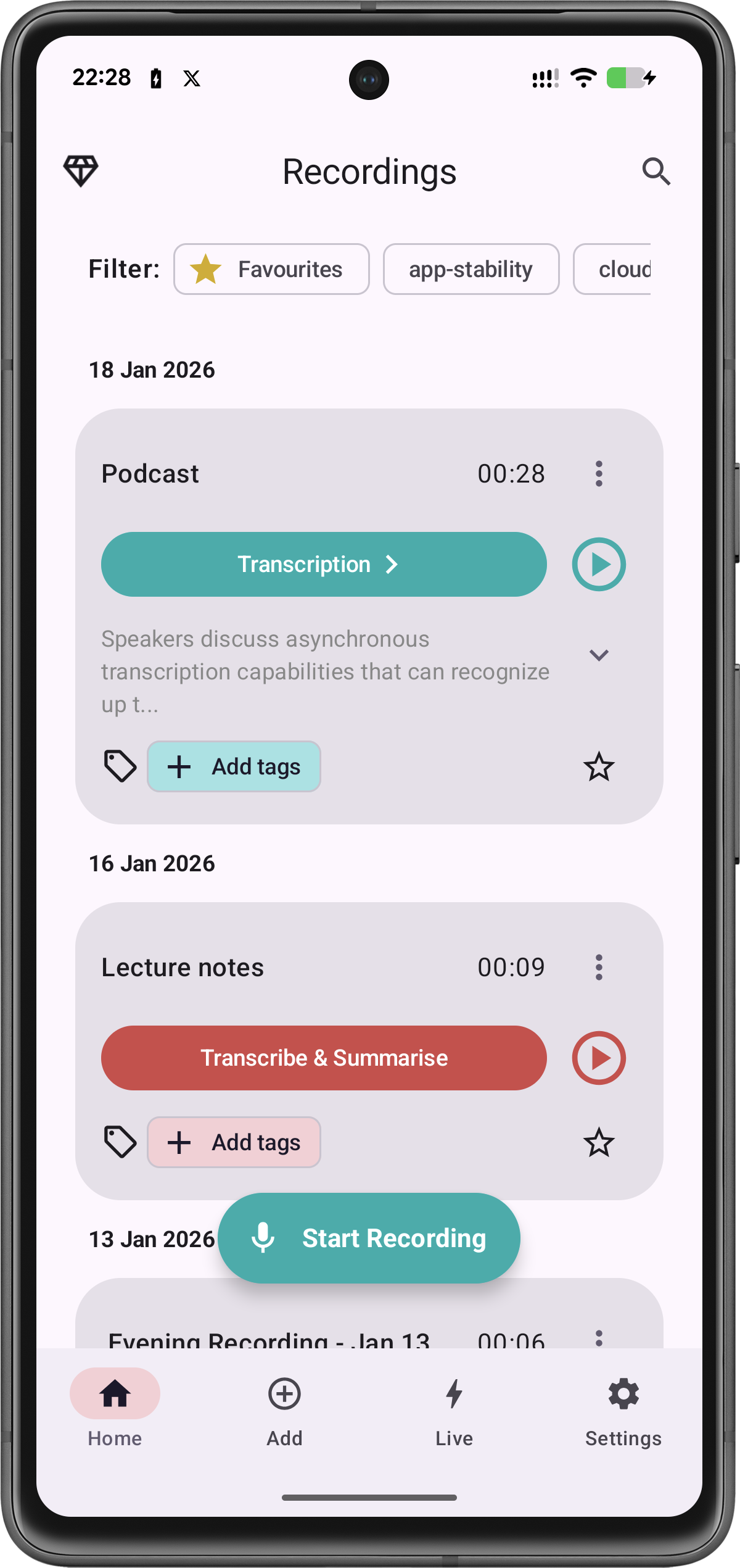
Turn a meeting recording into something useful
Important decisions can easily disappear inside an hour-long recording.
Transcribee turns recorded meetings into structured transcripts so you can search what was said, follow different speakers and return to important parts of the conversation without replaying the entire meeting.
Afterwards, generate a summary, key topics and action items to turn the recording into useful meeting notes.
Record a meeting or import one afterwards
You don’t need to connect Transcribee to your calendar or invite a bot into a meeting.
For an in-person conversation, record directly in Transcribee.
Already have a recording? Import a supported audio or video file and transcribe it afterwards.
This makes Transcribee useful for both planned meetings and conversations you simply need to revisit later.
Separate different speakers
When several people participate in a meeting, Transcribee can separate different voices into speaker-labelled transcript segments.
Up to 10 speakers can be detected in a recording.
Rename the detected speakers afterwards so the transcript reflects the people who took part.
That gives you a readable record of the conversation rather than one continuous block of text.
More than speaker separation
Summary & key topics
Transcribee can generate AI-powered notes including a concise summary, key topics and action items.
AI Assistant
Ask questions about the complete transcript and investigate specific parts of the discussion.
Speaker labels
Separate different voices into speaker-labelled segments. Up to 10 speakers can be detected.
Record or import
Record an in-person meeting directly, or import an existing audio or video recording.
Up to 10 hours
Transcribe recordings up to 10 hours and 2.1 GB.
Action items
Turn the recording into useful meeting notes with action items.
How to transcribe a meeting
- 1
Record the meeting in Transcribee or import an existing audio or video recording.
- 2
Start transcription.
- 3
Transcribee creates a searchable transcript and separates different speakers.
- 4
Rename speakers and correct anything you need.
- 5
Generate a summary, key topics and action items.
- 6
Search, analyse or share the finished transcript.
Transcribee supports common audio and video formats including MP3, M4A, WAV, OPUS, MP4 and MOV. Transcribe recordings up to 10 hours and 2.1 GB, with speaker detection for up to 10 speakers.
Useful for more than formal meetings
Meeting transcription can also help with:
If several people are talking and you want a searchable record afterwards, the same workflow applies.
Frequently asked questions
No. Transcribee works from recordings. Record an in-person conversation directly or import an existing supported recording.
Don’t listen to the whole meeting again
Turn the recording into a transcript, find what matters and move on.