Transcribe Interviews with Speaker Labels
Turn recorded interviews into clear, searchable transcripts on iPhone and Android. Transcribee separates different speakers automatically, so you can see who said what and focus on the conversation instead of manually transcribing it.

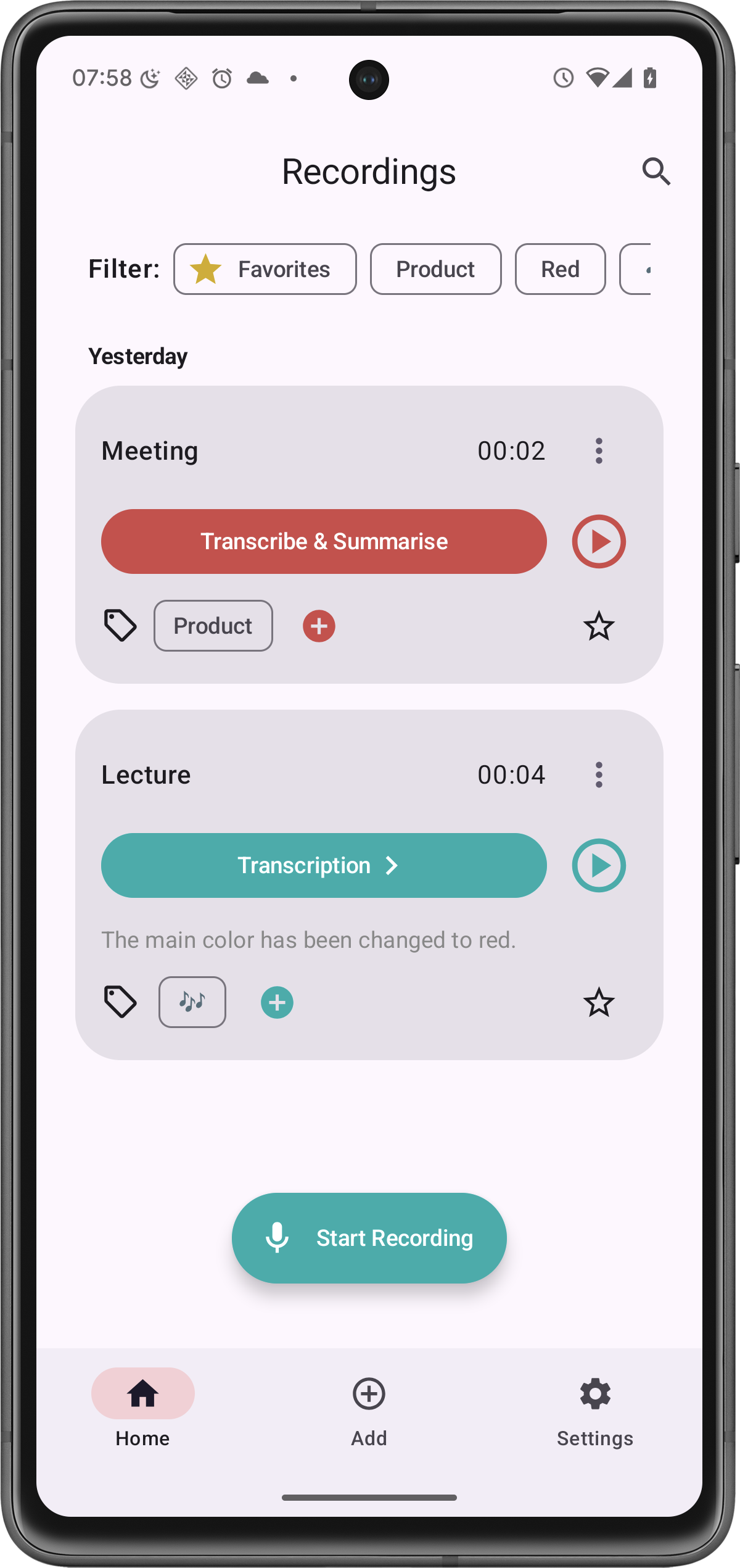
From recording to interview transcript
Whether you're working with a research interview, journalistic interview, user interview or recorded conversation, Transcribee can turn the audio into a structured transcript.
Import an existing audio or video recording, or record directly in Transcribee. Different voices are separated automatically and shown as individual speakers throughout the transcript.
You can then rename speakers, correct individual segments and search through the conversation.
Know who said what
A transcript becomes much more useful when you can follow the conversation.
Transcribee uses speaker diarization to distinguish between different voices in a recording. After transcription, simply rename labels such as “Speaker A” and “Speaker B” to the participants' real names.
The result is an interview that's much easier to read, review and quote.
Go beyond transcription
Generate AI notes
Turn a long interview into a concise summary, key topics and action items.
Ask questions about the interview
Use the AI Assistant to analyse the full transcript and explore what was discussed without rereading the entire conversation.
Translate the transcript
Translate transcripts and summaries when working with interviews in different languages.
Edit and search
Correct individual transcript segments, rename speakers and quickly find important parts of the conversation.
Export your work
Share or export the results when you need to use the transcript elsewhere.
How to transcribe an interview with Transcribee
- 1
Record the interview in Transcribee or import an existing audio or video recording.
- 2
Choose the spoken language and start transcription.
- 3
Transcribee creates the transcript and separates different speakers.
- 4
Rename the speakers and make any corrections you need.
- 5
Search, summarise, analyse or export the finished interview.
Transcribee supports common recording formats including MP3, M4A, WAV, OPUS, MP4 and MOV. Transcribe recordings up to 10 hours and 2.1 GB, with speaker detection for up to 10 speakers.
Built for recorded conversations
Interview transcription is useful for journalists, researchers, creators, recruiters and anyone who needs to revisit a recorded conversation without repeatedly listening to the original audio.
Instead of scrubbing backwards and forwards through a recording, you get a searchable record of the conversation that you can work with at your own pace.
Frequently asked questions
Yes. Transcribee can separate different voices in supported transcriptions. The speakers initially receive labels, which you can rename afterwards. Up to 10 speakers can be detected.
Turn your next interview into a transcript
Spend less time replaying recordings and more time working with what was actually said.